01
Plan your lesson
Start with a draft template or create your own. Set the grade, topic and objectives, then adapt the lesson for your learners.
LIFE SCIENCES · EXPLORE. QUESTION. DISCOVER.
Turn your lesson plan into a guided journey. Help learners explore scientific structures in 3D, ask questions, and build understanding at their own pace.
Continue with your ChatGPT account. Your teaching workspace is private.
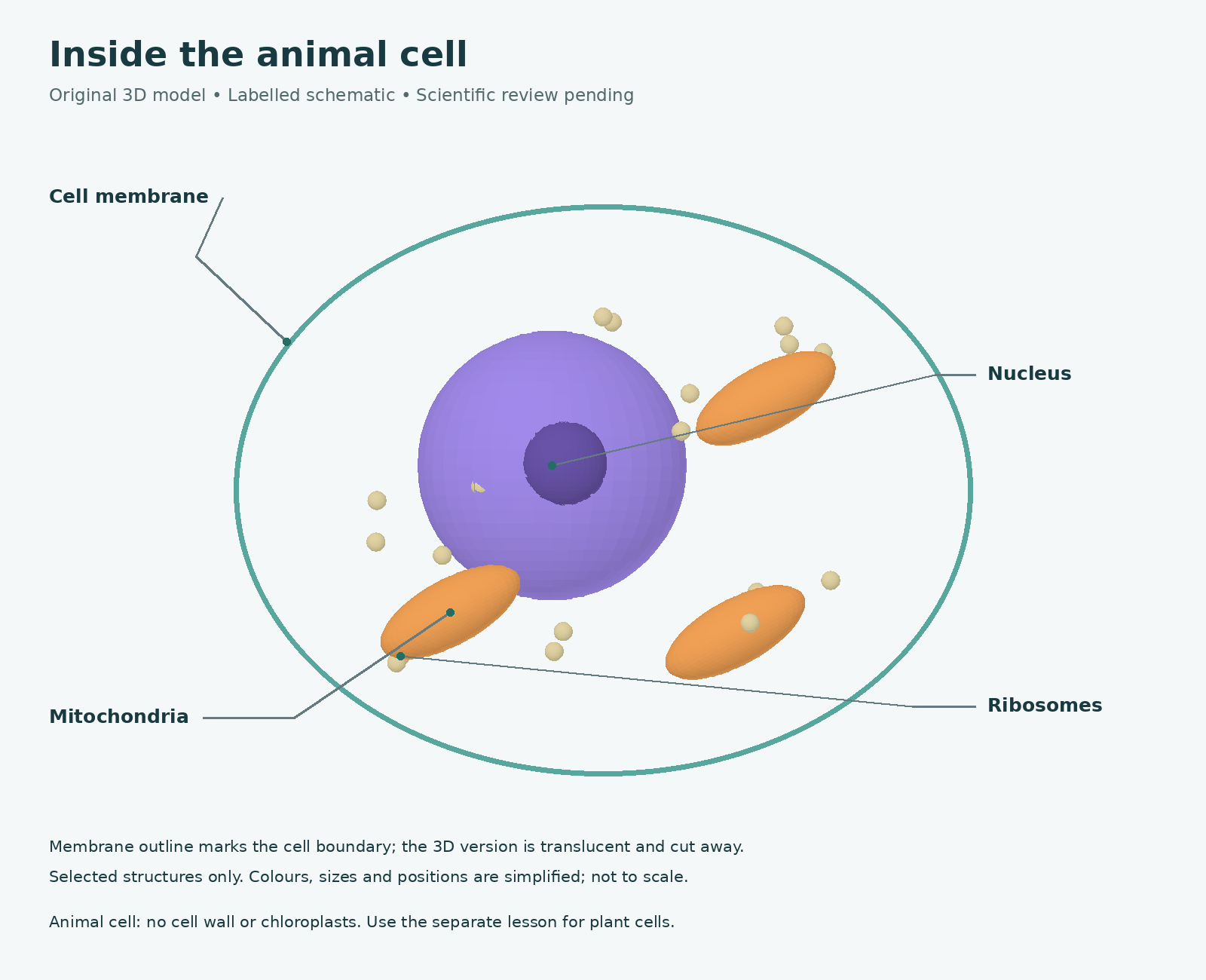
Example teaching resource · Review and adapt your lesson before classroom use.
Browser 3D
AR / VR where supported
Printable one-pager
DESIGNED AROUND YOUR CLASSROOM
Keep your learning objectives at the centre. The technology supports the lesson, with practical alternatives for different devices and classroom resources.
Start with a draft template or create your own. Set the grade, topic and objectives, then adapt the lesson for your learners.
Add learning stops, questions, hints and an exit task. Connect your 3D model and labelled diagram to what learners need to investigate.
Publish a lesson and print its one-pager with a QR code. Learners scan, follow the guided tour and work through the task without signing in.
PURPOSEFUL EXPLORATION
A connected learning experience, from the first question to the final reflection.
Give learners a way to examine relationships and connect what they see to the concepts in your lesson.
Use guided stops, optional hints and reflection prompts to help learners plan, monitor and review their understanding.
Keep the guided tour and printable one-pager together, so learners have a clear task and a place to record their thinking.
Use browser 3D, classroom projection or a labelled diagram. AR and VR depend on the device and browser; a headset is not required to complete the lesson.
BUILT WITH TEACHERS, FOR CLASSROOMS
Immersive Lab supports the PhD study “Affordances of VR/AR in STEM classrooms: A Change Laboratory approach” at the University of the Western Cape.
The project explores how Life Sciences teachers can use immersive resources in classroom practice. Teacher experiences and Change Laboratory discussions inform the lesson workflow, with attention to guided inquiry, self-directed learning and practical classroom constraints.
These are the aims of the project, rather than a claim that learning improvements have already been demonstrated.
A FEW THINGS TO KNOW
Select Teacher Login and continue with your ChatGPT account. Your saved lessons belong to your signed-in account. Draft templates provide a starting point for your own lessons.
No. Learners scan the QR code on the published lesson or one-pager. They can also use the lesson code page if their teacher provides a code.
No. Learners can explore a model in a supported browser, or use the labelled diagram and printed task. Immersive AR and VR are additional options when the device supports them.
Check the lesson objectives, scientific content, guided stops and answer guidance in learner preview. Open the lesson on the devices you intend to use and have the printable one-pager ready.
YOUR NEXT LESSON STARTS HERE
Bring your teaching ideas. Build a journey your learners can explore.